 Sleep Tech & Wellness
No Wearable? No Problem: The Best Contactless Sleep Tracking Apps for iPhone Users
By Morgan Reed · Health and sleep science writer · Published March 28, 2026 · Updated March 28, 2026 · 20 min read
Your iPhone can track sleep without a smartwatch. Compare SleepScore, Sleep Cycle, Pillow, Apple Health, and BetterSleep—how contactless tracking works, how accurate it is, and which app fits your goals in 2026.
You wake up groggy, squint at your phone, and wonder why you feel like you got hit by a bus after seven hours in bed. Sound familiar? You're not alone. Millions of iPhone users want real answers about their sleep but refuse to strap on a chunky smartwatch every night. The good news: your iPhone is already packing sensors that can do a solid job tracking your sleep without anything on your wrist.
Contactless sleep tracking for iPhone has gotten surprisingly good. And if you've been sitting on the fence between buying an Apple Watch and just using a free app, this article is going to help you figure out what actually works, what's a waste of your time, and which apps are worth a download in 2026.
Key Takeaways
- Your iPhone's accelerometer and microphone can track sleep stages without a wearable, and some apps even use sonar
- SleepScore offers the most clinically validated no-contact tracking from your nightstand
- Sleep Cycle is the go-to if smart alarm wake-ups matter most to you
- Pillow is the best pick if you're deep in the Apple ecosystem and want flexibility
- Phone-only tracking is great for spotting trends over time, but it's not a medical tool
- Placement matters; keeping the phone on or near your mattress dramatically affects accuracy
Why People Are Ditching Wearables for iPhone Sleep Tracking
Here's the honest reality: a lot of people don't want to sleep with a device strapped to their wrist. Maybe it's uncomfortable. Maybe you forget to charge it. Maybe you just don't want to spend $400 on an Apple Watch when you already have a perfectly capable phone on your nightstand.
The iPhone you're already sleeping next to is loaded with sensors. The accelerometer picks up micro-movements. The microphone listens for sounds that indicate restlessness or snoring. Some apps go further and use the phone's speaker to send out ultrasonic pulses, like a mini sonar system, that bounce off your body and detect breathing patterns from across the room. According to routinesleeptracker.com, this sonar-based approach can hit up to 90% accuracy compared to clinical sleep studies. That's not nothing.
So before you drop money on hardware, it's worth knowing what your current phone can already do.
How Your iPhone Actually Tracks Sleep Without a Wearable
Most people have no idea their phone is doing any of this passively. Here's what's going on under the hood when a sleep tracking app runs overnight:
The accelerometer is the workhorse. It detects tiny shifts and vibrations. When you roll over, twitch, or get up to use the bathroom, the accelerometer logs it. Apps use these movement patterns to figure out whether you're in light sleep, deep sleep, or wide awake staring at the ceiling.
The microphone catches sounds. Snoring, teeth grinding, sleep talking, your dog waking you up at 3am, all of it can be recorded and tagged. Apps use this audio data to identify disturbances and cross-reference them with movement data for a more complete picture.
Sonar-based tracking is the newer kid on the block. Apps like SleepScore use the phone's speaker to emit a high-frequency sound humans can't hear, then use the microphone to capture the echo bouncing back from your breathing chest. The rise and fall of your chest literally moves the soundwaves, and the app reads those shifts as respiration data. As noted by usefusion.ai, this lets the phone track you from a nightstand position without touching your body at all.
Apple Health ties the native data together. Even without a third-party app, your iPhone's built-in sensors feed into the Health app to estimate sleep duration and basic stages, though it's less detailed than what dedicated apps produce.
The Best Contactless Sleep Tracking Apps for iPhone in 2026
SleepScore: The Most Accurate No-Wearable Option
If accuracy is your top priority and you want nothing on your wrist or body while you sleep, SleepScore is the app to start with.
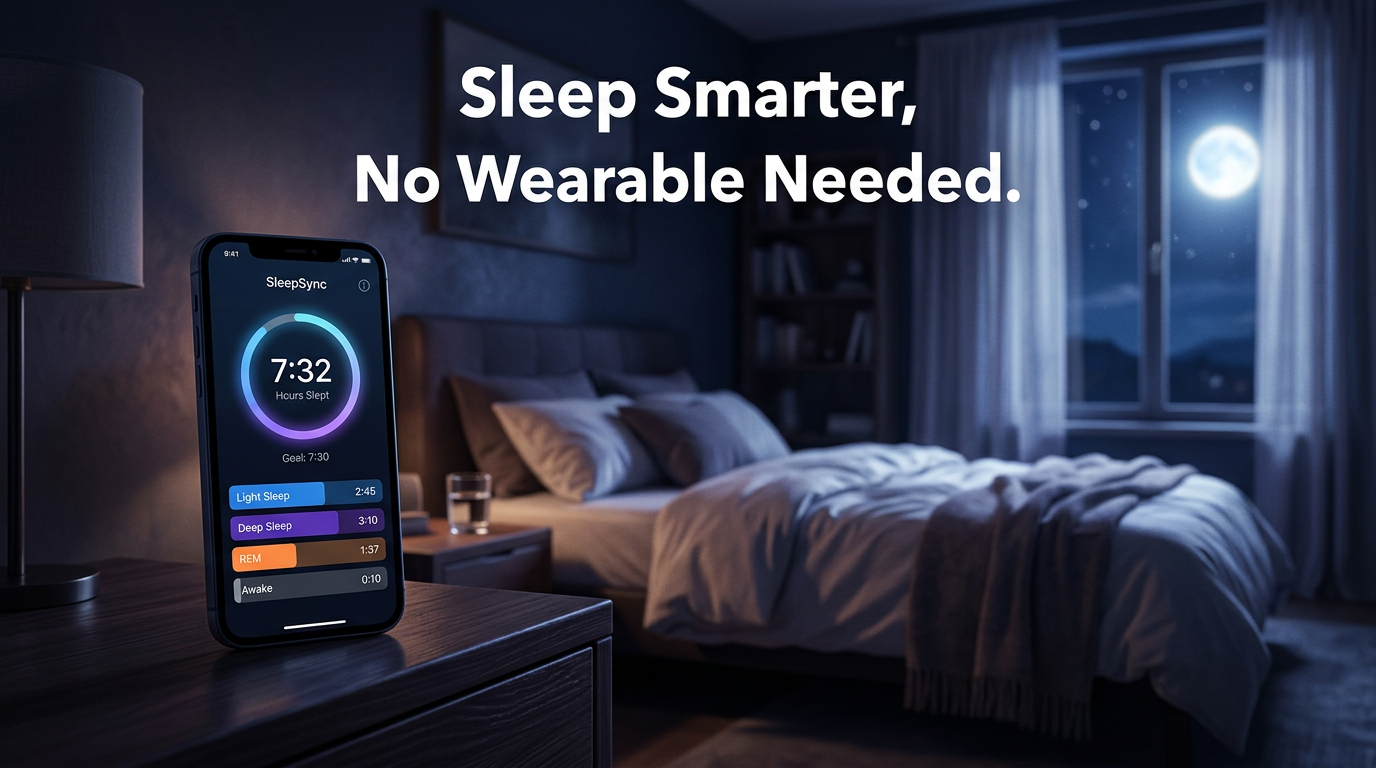
SleepScore uses that sonar technology mentioned earlier. You put your phone on your nightstand, the app runs in the background, and it tracks your breathing and movement through reflected soundwaves. No microphone eavesdropping required in the traditional sense; it's more like how a submarine detects objects in water. The result is a nightly sleep score along with a breakdown of how much time you spent in light sleep, deep sleep, and REM.
The free version gives you your score and basic stage data. The paid tier goes deeper with trends, personalized tips, and comparisons against benchmarks. For most casual users, the free version is plenty to start with.
One thing to know: SleepScore works best when your phone isn't buried under a pillow. Keep it on the nightstand within a few feet, and you'll get solid results.
Best for: People who want nightstand-only tracking with clinically backed accuracy and no wearable.
Sleep Cycle: The Smart Alarm That Actually Works
Sleep Cycle has been around for years, and it still earns its spot at the top of the list for one specific reason: the smart alarm.
Here's the idea. You set a 30-minute window before you need to wake up. Instead of blasting you awake in the middle of deep sleep, the app monitors your movement and sound patterns and wakes you during a light sleep phase. That transition from deep sleep to light sleep to fully awake feels dramatically different when you're not jerked out of a deep cycle. You actually feel rested.
Sleep Cycle uses your iPhone's microphone and accelerometer to build a real-time picture of where you are in your sleep cycle. The longer you use it, the better it gets at predicting your personal sleep patterns.
The data it surfaces over time is genuinely useful. You can spot patterns like: "I always sleep worse on Sundays" or "my deep sleep tanked the week I had that big deadline." That kind of long-term trend data is where phone-based tracking really shines. According to bioneurix.com, Sleep Cycle is one of the most widely used sleep apps precisely because of this combination of real-time smart alarms and historical pattern tracking.
Best for: Anyone who hates being ripped out of deep sleep and wants to wake up feeling human.
Pillow: The Best App for Apple Ecosystem Users
If you're the type who loves when all your Apple devices talk to each other, Pillow is built for you.
Pillow works in two modes. iPhone-only mode uses the microphone and motion detection to track sleep, record sounds, and generate sleep stage graphs. Apple Watch mode pulls heart rate data into the mix, giving you sharper stage accuracy. If you have both devices, you can switch between them. If you only have an iPhone, it still does a strong job.
What sets Pillow apart visually is the quality of its sleep stage graphs. They look clean, they're easy to read, and the app surfaces clear explanations for what each stage means and why it matters. It syncs with Apple Health automatically, so your sleep data flows into your overall health picture without any manual exports.
Pillow also records audio clips from the night, flagging moments of snoring or talking in your sleep. You can play them back, which is either fascinating or deeply disturbing depending on what you hear. Pillow is highlighted in the App Store's curated best sleep apps list as a standout for iOS users who want professional-looking data without professional equipment.
Best for: iPhone users who want clean visualizations, optional Apple Watch integration, and native Apple Health sync.
Apple Health App: The Best Free Starting Point
A lot of people forget this one exists. Your iPhone already comes with sleep tracking built in, and you don't need to download a single thing.
Apple Health uses your phone's motion sensors to estimate when you fall asleep and when you wake up. It tracks sleep duration and, on newer iOS versions, breaks down basic sleep stages. The data flows into your Health summary alongside steps, heart rate, and other metrics.
Is it as detailed as SleepScore or Sleep Cycle? No. But it's free, it requires no setup beyond turning on sleep tracking in the Health app, and it gives you a useful baseline. If you've never tracked your sleep before, this is a painless place to start before committing to a third-party app.
As explained by usefusion.ai, Apple Health's native tracking works best as a starting point or as a complement to a more detailed app. Think of it as the training wheels version; solid for getting familiar with your patterns before you go deeper.
Best for: Beginners who want zero setup and free baseline data.
BetterSleep: The App That Pairs Tracking With Actually Falling Asleep
Most sleep apps focus entirely on the tracking side. BetterSleep goes after both ends of the problem: helping you get to sleep and then measuring how well you did.
The app uses your phone's sensors to track light sleep, deep sleep, and REM cycles, plus physical disturbances throughout the night. It optionally connects with Apple Watch and Apple Health for more detailed data. But the reason it attracts such a loyal user base is the relaxation side: soundscapes, guided meditations, breathing exercises, and sleep stories you can set to play on a timer before you drift off.
For people who struggle to fall asleep before the tracking even starts, this combination is practical. There's no point having perfect sleep data if you're laying awake for 90 minutes before the real sleep begins.
According to the Sleep Foundation, BetterSleep consistently ranks well among apps that address both sleep quality and sleep onset. The free version gives you solid core features; the paid tier opens up the full content library.
Best for: People who struggle to fall asleep AND want tracking data once they do.
How Accurate Is Contactless iPhone Sleep Tracking, Really?
Here's where I'll be straight with you: phone-based sleep tracking is a solid tool for spotting trends, but it's not a medical device.
A 2025 clinical review published in PMC found that consumer sleep apps using accelerometer and microphone data perform best at tracking total sleep time and identifying obvious disturbances. Where they struggle is distinguishing quiet wakefulness from light sleep; the sensors just can't tell the difference between you lying still because you're asleep vs. lying still because you're thinking about work at 2am.
Sonar-based apps like SleepScore hold up better here because they're reading actual breathing rhythm, not just movement. If your chest is rising and falling in a regular sleep pattern, that's different from the shallow, irregular breathing of someone lying awake anxious.
Phone placement is a big accuracy factor too. Bioneurix.com points out that keeping your phone on or near the mattress gives microphone and accelerometer-based apps much better signal than having it on a distant nightstand. For sonar apps, within a few feet is ideal.
The other honest point: none of these apps can diagnose sleep apnea, insomnia, or any other medical condition. They can alert you to patterns that suggest a problem, like consistently fragmented sleep or unusually low deep sleep time, but a doctor with real clinical equipment makes the call.
What This Means for You
If you're an iPhone user who wants to start understanding your sleep without buying extra hardware, here's the practical path forward:
Start with Apple Health to get your baseline. It costs nothing and requires no setup. After a week or two, you'll have a rough picture of your sleep duration patterns.
Pick one dedicated app based on what matters most to you:
- You want accuracy and no wearable? SleepScore
- You want to wake up without feeling terrible? Sleep Cycle
- You're in the Apple ecosystem and want clean data? Pillow
- You struggle to fall asleep before the tracking even starts? BetterSleep
Give any app at least two weeks before judging it. Sleep data is noisy night to night. The value comes from patterns across many nights, not from obsessing over a single night's score.
And keep this in mind: the goal isn't to have a perfect sleep score. The goal is to understand what's actually going on so you can make one or two practical changes. Maybe you notice your deep sleep drops when you drink alcohol. Maybe you realize you're consistently getting less than six hours on weeknights. That awareness alone is worth something.
A Quick Side-by-Side Look at These Apps
| App | How It Tracks | Sleep Stages | Smart Alarm | Cost | Apple Health Sync |
|---|---|---|---|---|---|
| SleepScore | Sonar, nightstand | Yes, high accuracy | No | Free / Paid | No |
| Sleep Cycle | Mic + accelerometer | Yes, medium accuracy | Yes | Free / Paid | Yes |
| Pillow | Mic + motion (or Apple Watch) | Yes, high | No | Free / Paid | Yes |
| Apple Health | Accelerometer | Basic only | No | Free | Native |
| BetterSleep | Sensors + optional AW | Yes, medium-high | No | Free / Paid | Yes |
Common Questions About Contactless iPhone Sleep Tracking
Does the app need to run all night with the screen on?
No. Most of these apps run in the background with the screen off. Your phone's battery will take a hit overnight, so plugging in while you sleep is a good habit to build.
Will the microphone pick up my partner's snoring and mess up the data?
Yes, shared bed environments can introduce noise that affects accuracy. Sleep Cycle and Pillow both try to filter out ambient noise, but in a loud room or with a snoring partner, results are less reliable. Sonar-based SleepScore handles this better since it's reading your specific body's motion rather than general room sound.
Is my sleep audio being stored somewhere?
This depends on the app. Pillow stores audio clips locally on your device by default. Sleep Cycle records audio snippets that are stored with your data. Always check the app's privacy policy if this is a concern for you; it absolutely should be.
Can these apps replace a sleep study?
No. A clinical polysomnography study involves brain wave monitoring, eye movement sensors, oxygen levels, and muscle activity. No phone app comes close to that level of detail. These apps are lifestyle tools, not clinical tools.
The Phone Placement Question Everyone Gets Wrong
A surprising number of people download a sleep tracking app and then put their phone across the room because they've heard phones are bad for sleep. That's a real dilemma.
Here's a practical middle ground: put your phone on your nightstand in airplane mode or Do Not Disturb mode. That cuts the notifications, dims the social media pull, and reduces RF signal, while keeping the phone close enough for accurate tracking.
For SleepScore's sonar to work correctly, the app's own guidelines suggest placing your phone on the nightstand angled toward you. For microphone-based apps like Sleep Cycle, placing the phone on the mattress near your pillow gives the best signal, though many people prefer the nightstand for comfort reasons.
Should You Upgrade to Apple Watch for Better Sleep Tracking?
This comes up constantly. If you're already considering it, Summit Health's 2026 comparison found that Apple Watch adds meaningful accuracy through heart rate monitoring and blood oxygen data, especially for detecting sleep stage transitions.
But the trade-off is real. You have to wear it every night, keep it charged, and deal with it on your wrist. For a lot of people, the friction of that routine outweighs the accuracy gains. And apps like Pillow and BetterSleep already let you add Apple Watch data later if you decide to get one.
Start with your phone. If you hit the limits of what phone-based tracking can tell you, that's the right time to consider hardware.
Getting the Most Out of Your Sleep Data
Tracking sleep is only useful if you actually do something with the data. Here are a few things that are worth paying attention to when you start:
Deep sleep percentage is often the first thing to look at. Healthy adults typically get 15-25% of total sleep as deep sleep. If you're consistently under that, it's worth thinking about what might be cutting it short.
Sleep onset time shows how long it takes you to fall asleep. If you're consistently lying awake for over 30 minutes, that's a signal worth paying attention to, not just accepting as normal.
Sleep consistency across the week matters more than most people realize. A wildly different sleep schedule between weekdays and weekends, what researchers call social jet lag, can tank how you feel even if your total hours look fine.
Disturbance events are the audio and movement spikes the apps flag throughout the night. One or two per night is normal. If you're seeing 15-20, your sleep quality is fragmented even if you technically stayed in bed for eight hours.
What Real iPhone Users Are Saying
Browse the Reddit communities around sleep apps and you'll see a few consistent themes. A recent thread on r/sleep from March 2026 shows Sleep Cycle and Pillow pulling the most positive feedback for iPhone-only users. People cite the long-term trend graphs and the smart alarm as the features they'd miss most if they stopped using the apps.
SleepScore gets praise for accuracy but some users note the free tier can feel limited after a few weeks. BetterSleep fans are usually the ones who had trouble falling asleep first, with the tracking being a bonus they appreciated once they started sleeping better.
One common thread across all reviews: people who stuck with an app for at least a month got way more out of it than people who tried it for a few nights and quit. Sleep data needs time to be meaningful.
Start Tonight
You already have everything you need on your nightstand. Your iPhone is sitting there right now, and it's capable of giving you useful, real data about how you sleep starting tonight.
Pick one app from the list above. Download it before bed. Give it two weeks. Then come back and look at what the data is actually telling you. You might find out your sleep is better than you thought. You might find out there's one obvious thing disrupting your nights that's easy to fix. Either way, you'll know more than you did yesterday.
If you've already been using a sleep tracking app on your iPhone, I'd love to hear what's been working for you. Drop a comment below and tell me which app you're using and what one thing the data taught you about your sleep. And if this article was useful, share it with someone who's been complaining about being tired every morning; it might be the most practical thing you send them this week.